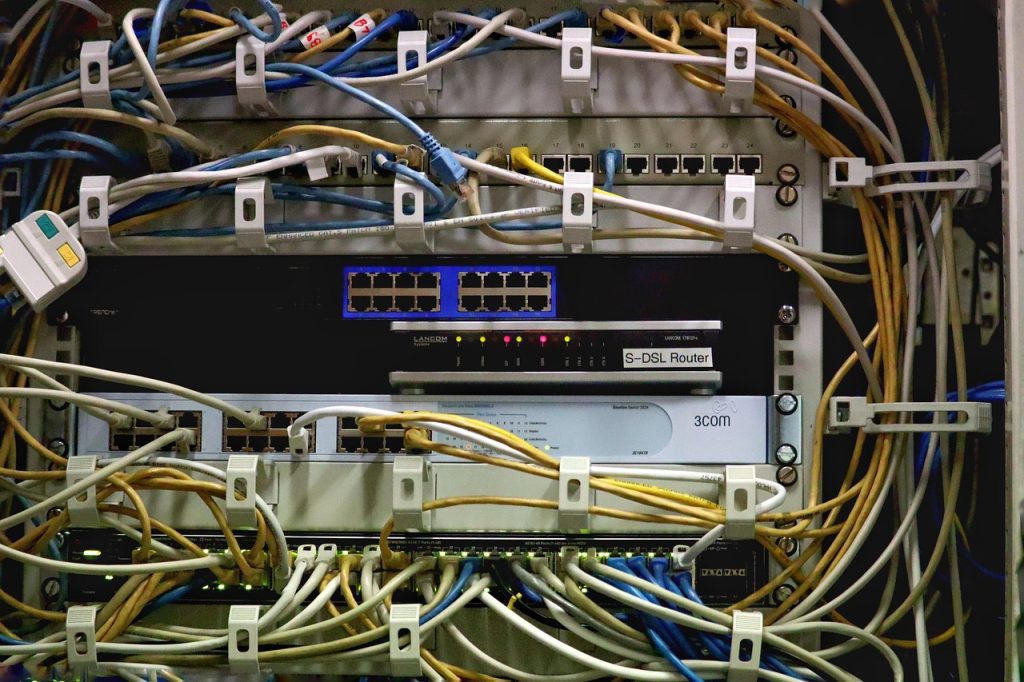
What Separates a Windows Dedicated Server From a Fast VPS
A Windows dedicated server gives one tenant the whole physical chassis: every core, every DIMM slot, every NVMe bay, and the full NIC. That changes the economics and the performance ceiling at the same time. On a VPS the hypervisor decides how much CPU time you actually receive when a noisy neighbour starts compiling; on bare metal there is no neighbour and no steal time, only your own workload. For IIS front ends, SQL Server instances, and remote-desktop fleets, that distinction shows up as predictable latency rather than as a bigger benchmark number.
The trade is control for responsibility. You pick the CPU generation, you decide whether the RAID controller gets battery-backed cache, you choose the Windows Server edition and the licensing model. In exchange, firmware updates, disk replacement, and IPMI-level troubleshooting are either your job or a line item in a support contract. Buyers who assume a dedicated box behaves like an oversized VPS usually discover the gap on the first failed drive.
If you are still weighing the two form factors, our dedicated server comparison table lines up core counts, RAM ceilings, and monthly pricing side by side so the crossover point is visible rather than guessed.
CPU and Platform Choices That Actually Move the Needle
Windows Server licensing is priced per core with a 16-core minimum per socket pair, so the CPU choice is a licensing decision as much as a performance one. A 32-core Xeon Silver can cost several hundred dollars a month in licensing alone before hardware is considered, while a 16-core part may cover the same user count with headroom to spare. Measure the workload in concurrent sessions and query concurrency, not in synthetic thread counts.
For IIS and .NET workloads, single-thread clock speed still dominates request latency. A 3.7 GHz 16-core CPU will usually beat a 2.4 GHz 32-core CPU on a typical ASP.NET Core site, because thread-pool ramp-up and per-request allocation are clock-sensitive. SQL Server is the opposite case: it scales well across cores and benefits from large L3 cache and memory bandwidth, so a 24-to-32-core part earns its keep once the buffer pool is sized correctly.
| Workload profile | Cores to budget | RAM floor | Storage |
|---|---|---|---|
| IIS/.NET web front end | 8–16, high clock | 32 GB | 2× NVMe RAID 1 |
| SQL Server Standard | 16 (32 socket cap) | 64–128 GB | 4× NVMe RAID 10 |
| RDS session host, 25 users | 16–24 | 64 GB | 2× NVMe RAID 1 |
| Build agent / CI | 16–32 | 64 GB | NVMe scratch volume |
Memory, Storage, and the Pagefile Trap
Windows assumes virtual memory exists. A server with 128 GB of RAM and a 4 GB pagefile will still stall under memory pressure because the commit limit chokes long before physical RAM is exhausted. Size the pagefile to at least the physical RAM for crash-dump capture, or explicitly set a fixed size and monitor the commit charge in Perfmon. Skipping this is the single most common cause of “the server has plenty of free RAM but everything hangs” tickets.
Storage layout matters more on Windows than on Linux because of how NTFS handles small random writes and how SQL Server pre-allocates data files. Put the OS on its own mirror, keep SQL data and log files on separate volumes backed by different physical devices where possible, and reserve NVMe for tempdb. A single large RAID 10 array is acceptable for mid-range deployments, but splitting log and data gives the controller independent queue depth.
What the Monthly Price Actually Buys
A realistic entry-level Windows dedicated server in 2026 runs $140–$220 per month: 16 cores, 64 GB RAM, two NVMe drives in mirror, 1 Gbps unmetered or 30 TB of transfer, and a Windows Server 2022 or 2025 Standard licence included. Mid-range configurations with 32 cores and 256 GB sit between $350 and $600. Above that, dual-socket platforms with 512 GB or more cross into four figures.
Watch for licences billed separately, IPv4 addresses sold per /29, and “management” add-ons that duplicate what your team already does. The spread between the cheapest and most expensive quote for identical hardware is routinely 40%, and it almost always comes down to licence treatment and bandwidth policy rather than silicon. Our dedicated server pricing breakdown separates hardware cost from licence and network cost so quotes can be compared on equal terms.
Windows Server Edition and Licensing Decisions
Standard edition covers most single-purpose servers and includes two OSE instances when virtualised. Datacenter edition only pays off when you plan to run many guest VMs on the same host, because its per-core price is roughly six times Standard. For a dedicated box running one IIS role and one SQL instance, Standard is almost always correct.
CALs are separate from the core licence. Per-user CALs make sense for internal RDS deployments with a fixed staff count; per-device CALs fit shift-based environments. RDS additionally requires RDS CALs on top of Server CALs, and this is where budget estimates most often fall short. Confirm whether the host supplies SPLA licensing (monthly, bundled) or expects you to bring your own key — the two models differ by hundreds per month on a 32-core machine.
Use Cases Where Bare-Metal Windows Wins
Three patterns justify the jump from VPS to dedicated. First, SQL Server databases above roughly 100 GB of active data: the buffer pool needs RAM that VPS plans do not sell, and licensing on a VM still costs the same as on metal. Second, multi-user remote desktop environments with 20 or more concurrent sessions, where session-level CPU scheduling on a shared hypervisor causes visible input lag. Third, .NET build or render farms where compile times are wall-clock bound and benefit linearly from physical cores.
Conversely, a single low-traffic IIS site, a jump box, or a departmental file share does not need bare metal. Those workloads are well served by a 4-to-8 core Windows VPS at a quarter of the price, and moving them to dedicated hardware mostly buys idle capacity.
Provisioning Checklist Before You Commit
Ask for the exact CPU model, not the family. “Xeon Gold” spans five generations with wildly different IPC. Confirm the RAID controller model and whether it has cache with battery or capacitor backup — a cacheless controller turns RAID 5 into a write-latency disaster. Verify the IPMI or out-of-band access policy, KVM-over-IP availability, and whether remote hands are billed hourly.
Finally, confirm the reinstall and rescue options. A dedicated Windows box without a working IPMI path means a failed network stack requires a support ticket and hours of waiting. Test the out-of-band console on day one, before you need it. Teams that treat these five checks as gate criteria avoid most of the post-purchase surprises that dominate hosting review complaints.
Related Articles:
 Choosing an India Dedicated Server Provider: Compliance, Peering, and Support
 99.9% vs 99.99% Uptime: What Dedicated Server Hosts Need to Know About Gaming SLAs in 2026
 Dedicated Server vs VPS for Gaming: Which Gives You Better Performance?
 Reading a Game Host’s Cooling and Rack Layout Before You Buy
Leave a Reply
You must be logged in to post a comment.