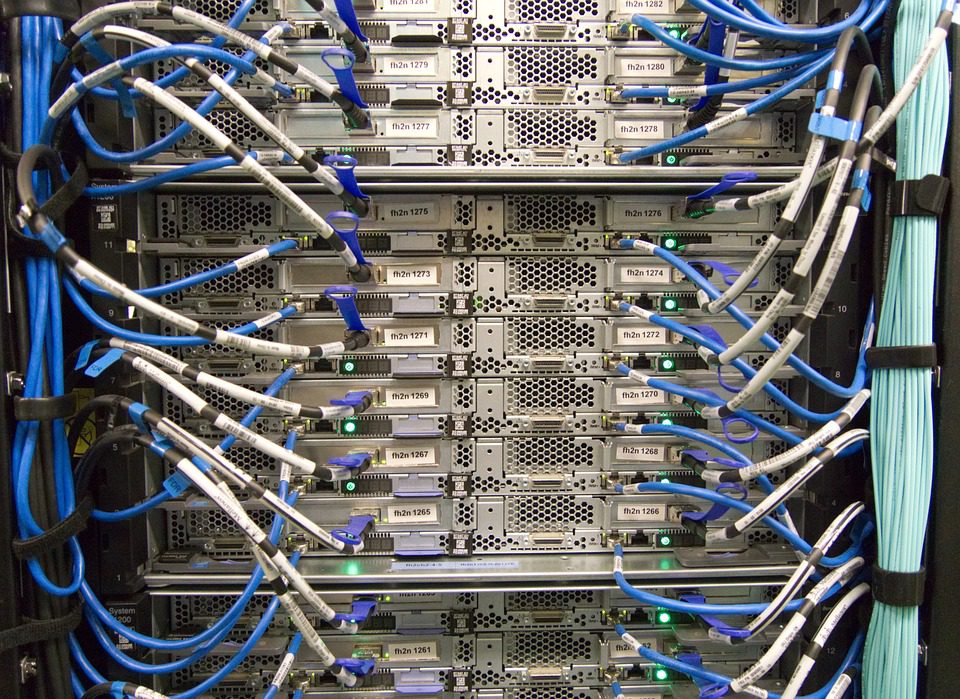
A 25 Gbit/s switch port is worth nothing if its per-port buffer is 1 MB and a 200-player server pushes a 4 MB burst of replication data at tick boundary. The packets drop, the clients retransmit, and the tick budget is gone. Buffer depth, not port speed, is the number that decides whether colocation or self-hosting network gear helps — and it is the number almost never printed on a datasheet summary.
This guide walks the three network layers a game server touches, and for each one names the setting that actually matters: buffer allocation at L2, bonding mode at L3, and interrupt and offload configuration at the NIC. It assumes a rented dedicated node or a colocated chassis receiving real player traffic, not a lab.
The Three Layers and Who Owns Them
On a rented node, the edge router and the top-of-rack switch belong to the provider. Your control stops at the NIC and its driver. In colocation, you own everything from the rack switch down, which means you inherit the buffer and firmware problems the host was previously absorbing.
| Layer | Component | Setting that matters |
|---|---|---|
| Edge | Provider router | scrubbing capacity, peering diversity |
| Rack | ToR switch | per-port buffer, LACP, MTU |
| Host | NIC | ring size, interrupt coalescing, offloads |
Where the boundary sits decides your monitoring burden. If you own the switch, you need sFlow or similar to see microbursts. If the host owns it, your only visibility is the NIC’s dropped-packet counters — which means those counters become mandatory, not optional.
Router Selection for Direct Hosting and Colocation
For a server pushing game traffic, the router’s job is forwarding consistency under load, not feature count. A small appliance with hardware forwarding will beat a full-featured software router running on general-purpose hardware once packet rate climbs past a few hundred thousand per second, because the software path’s jitter becomes visible in the tick.
Three requirements rank above everything else: enough PPS headroom for peak burst, DDoS scrubbing capacity measured in Gbps rather than in marketing tiers, and dual power with a failover path that has actually been tested. A router that fails over in 30 seconds is not redundant for a live match, it is redundant for a website.
Ask the provider what scrubbing looks like on a detection trigger. Automatic mitigation that drops legitimate game traffic is a common failure mode for UDP-heavy protocols. Sustained 40 kbit/s voice flows and 60 Hz state updates look nothing like web traffic, and a generic threshold rule will classify them as an attack.
Switch Selection: Buffers, Bonding, and MTU
At 200 players a single tick can emit several megabytes across all clients in the space of a few milliseconds. That is a microburst, and it is absorbed by the switch’s packet buffer or not at all. Enterprise ToR switches often carry 16–32 MB of shared buffer; low-cost 10 GbE switches in the same port count can carry 1–2 MB. The port speed matches, the burst handling does not.
For bonding, use LACP with a hash that includes both source and destination, and verify the distribution rather than assuming it. A single player connection will not exceed one member link regardless of the hash, so bonding buys aggregate throughput and redundancy — never per-flow speed. If a single flow must exceed one link, you need a faster port, not more of them.
Leave MTU at 1500 on the player-facing side. Jumbo frames help storage and backup networks and reliably break game traffic the moment one hop in the path does not support them. A silent drop on a 9000-byte frame costs more than the 3% header overhead ever saved.
NIC Configuration That Changes Measured Jitter
Modern 10/25 GbE NICs are fine hardware with poor default configuration for latency-sensitive traffic. Three changes produce most of the gain, and all are reversible if you record the original values first.
- Interrupt coalescing: default adaptive settings batch interrupts to save CPU, adding 50–200 µs of delivery latency. For game traffic, cap
rx-usecslow and test at 20–50 µs. - Ring size: increase RX and TX descriptors to absorb bursts at tick boundaries; a 256-descriptor default overruns on a 200-player replication pass.
- Offloads: TSO and GRO help bulk transfer and can confuse latency measurement by aggregating packets. Turn them off on the interface carrying game traffic when you need honest p99 numbers.
# record the originals first
ethtool -c eth0 > /root/eth0-coalesce.orig
ethtool -g eth0 > /root/eth0-ring.orig
ethtool -C eth0 rx-usecs 40 tx-usecs 40 adaptive-rx off
ethtool -G eth0 rx 4096 tx 4096
Measure p99 and p99.9 latency before and after each change. Adaptive coalescing is genuinely beneficial on a file server and genuinely harmful on a tick boundary; the counters will tell you which you have.
Physical Layer Details That Cause Real Outages
Most colocation incidents attributed to ‘network’ are optical. A dirty connector, a mismatched optic pair, or a transceiver running past its rated temperature produces intermittent loss that looks exactly like an overloaded uplink. Use matched optics from the same vendor class, label both ends of every fibre run, and keep a spare DAC and transceiver in the rack.
For any rented node, confirm whether the uplink is single-homed. A single NIC and a single switch port is a single point of failure regardless of what the redundancy diagram claims. Providers that disclose rack layout and uplink topology on the order page also disclose whether that node has a second path; the two facts tend to come from the same order sheet.
Monitoring the Path, Not Just the Host
Host-level graphs will not show a switch microburst. Sample per-interface counters at high frequency — dropped packets, error counts, and pause frames — and alert on any nonzero rate rather than on throughput. Pause frames indicate buffer exhaustion and are the earliest signal that a burst is about to become packet loss.
Pair that with active probing from a couple of external vantage points. Two probes are enough to distinguish a bad path from a bad node: if both probe locations show the same spikes, the problem is at or behind your rack; if only one does, the problem is upstream in that path.
What to Demand From a Provider
Ask for four specifics in writing: the switch model and its per-port buffer size, whether the uplink is dedicated or shared and at what commit, the scrubbing capacity fronting the rack, and whether a second physical path genuinely exists. Providers who answer all four tend to be the ones whose nodes hold their tick rate.
Those four answers separate a node that will hold 60 Hz under load from one that will generate a support ticket in week three. It is also how you tell a genuinely suited rack environment from a plan that only publishes port speed and leaves the buffer depth unknown.
Related Articles:
 Dedicated Server Hosting in Germany: Data Centers, Latency, and Provider Checklist for 2026
 Minecraft Dedicated Server CPU, RAM, and SSD Specs for 2026
How Much RAM and CPU Does a Palworld Dedicated Server Really Need in 2026?
Palworld Server Requirements 2026: RAM, CPU, Storage, and Config for 4–32 Players
Minecraft Dedicated Server CPU, RAM, and SSD Specs for 2026
How Much RAM and CPU Does a Palworld Dedicated Server Really Need in 2026?
Palworld Server Requirements 2026: RAM, CPU, Storage, and Config for 4–32 Players
Leave a Reply
You must be logged in to post a comment.