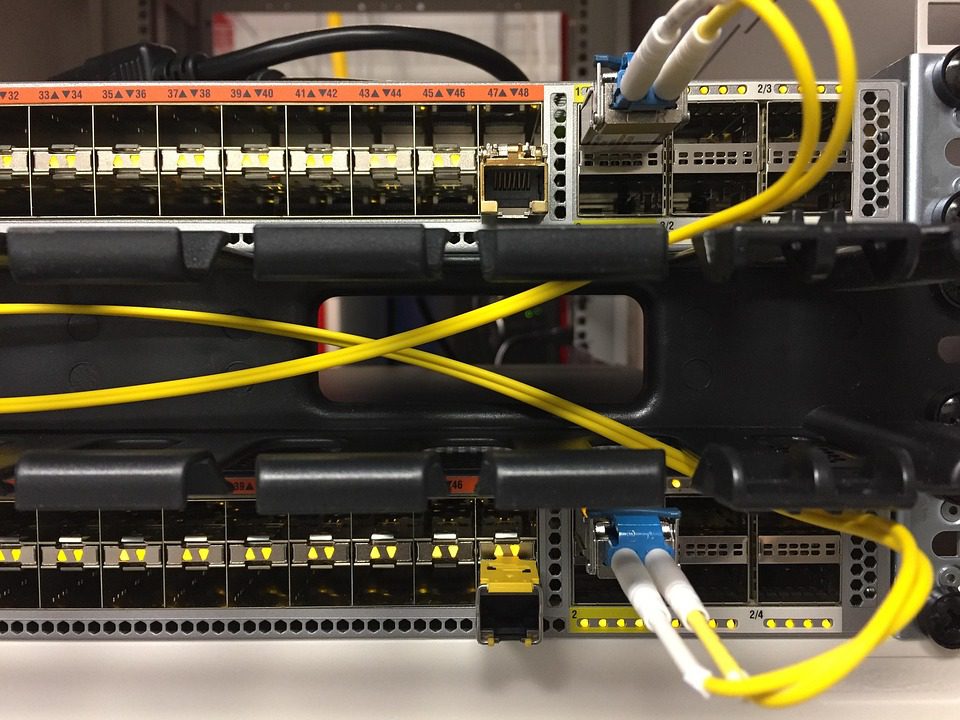
Gaming is the single most DDoS-attacked vertical on the internet. Attacks are cheap, personal, and often aimed at a single admin rather than a business. A 5 Gbps flood costs almost nothing to launch and will take a home-hosted or budget-shared server offline instantly. The question is not whether you need mitigation — it is which kind of mitigation does not punish your legitimate players in the process.
What Actually Gets Attacked
- Volumetric floods — saturate the uplink. Measured in Gbps.
- Protocol floods — SYN, ACK, UDP amplification. Measured in packets per second.
- Application-layer — fake players joining, query-protocol abuse, malformed packets that crash the server binary.
- Reflection — DNS, NTP, memcached, and game-query amplification aimed at your IP.
Each type needs a different defence. A scrubbing centre that filters Gbps is useless against 50k pps of UDP query spam, and a stateful firewall that catches application abuse will melt under a volumetric flood.
The Four Mitigation Models Compared
| Model | How it works | Added latency | Best for |
|---|---|---|---|
| Always-on inline | All traffic filtered continuously | 0-2 ms | Game servers, DDoS-prone IPs |
| On-demand reroute | BGP diversion only during attack | 0 ms clean, 10-40 ms under attack | Cost-sensitive hosts |
| Off-premise scrubbing | Traffic tunnelled to a scrubbing centre | 10-30 ms always | Large web, not twitch games |
| No mitigation | Null-route the target | Server goes offline | Nothing you care about |
For competitive games, always-on inline is the only model that behaves predictably. On-demand reroute is attractive on price until the first attack routes your players through a distant scrubbing POP and everyone’s ping doubles at the exact moment the match matters.
The Metrics That Matter More Than Gbps
Providers love to advertise “1 Tbps capacity.” That number describes the size of the largest attack they can absorb, and it is genuinely useful — but it tells you nothing about how your server behaves during a small attack. Ask these instead:
- Packets per second handling. Many floods are pps-bound, not bandwidth-bound.
- Time to detect. Sub-second detection beats a big pipe with a 30-second reaction.
- False-positive rate. Protection that drops legitimate game packets is worse than no protection.
- Clean-traffic latency delta. Measure it yourself on a quiet day.
- Game-protocol awareness. Generic filters must not eat valid UDP game payloads.
Cost: What Protection Should Actually Cost You
Mitigation pricing splits into three shapes, and only one of them is sane for a game server.
| Pricing shape | How it behaves | Risk to you |
|---|---|---|
| Included, unmetered | Flat monthly, no attack billing | Low — predictable |
| Included with cap | Flat fee, overage billed per Gbps-hour | Medium — a long attack is a large bill |
| Per-incident | Pay each time mitigation engages | High — attacker controls your costs |
Per-incident pricing hands your attacker a lever on your invoice. All they have to do is launch a small flood twice a week and your hosting cost triples for the month. If a provider will not offer included mitigation on a dedicated box, that is a signal about what their network is built for.
What an Attack Week Actually Looks Like
In practice, attacks against game servers arrive in bursts, not one sustained event. A typical pattern across a hostile week:
- Day 1: 2-5 minute UDP floods at peak hours, 3-10 Gbps, aimed at the join port.
- Day 2-3: pps-heavy floods, tens of thousands of packets per second, harder to filter than bandwidth.
- Day 4: application-layer join spam that drives player sessions but never shows much traffic.
- Day 5+: smaller, more frequent probes testing which filter has a gap.
This is why always-on inline filtering wins: the pattern is unpredictable, so protection that only engages after detection will already have dropped your players for the first burst of every wave. Detection speed matters more than capacity for the bursts your players actually feel.
Mitigating Without Paying for Protection
If budget is tight, the highest-leverage free steps are architectural rather than technical. Put a proxy or anycast front end in front of the real server so the raw IP is never public. Rotate ports when the game supports it. Keep the machine’s public query port closed and use a separate, rate-limited status service. None of these stop a determined attacker, but together they raise the effort required into the range where most casual attackers move on to an easier target.
Why Shared Mitigation Fails Game Workloads
On shared hosting, mitigation is applied at the edge for all tenants. When the neighbour’s site is attacked, filtering rules tighten for everyone, and your clean game traffic starts getting dropped as collateral. You never see a rule change — you just see unexplained packet loss at 9 PM.
Dedicated hardware lets the host apply per-IP or per-port profiles tuned to your protocol and your traffic baseline. That is the practical argument for moving to bare metal hosting plans once you are a regular target. It is also worth understanding how your provider’s out-of-band management works, because an attack that wedges the OS still needs a remote path back in.
A Defence Stack You Can Build Yourself
Even with provider-level protection, layer your own control. These are cheap and they stop the low-effort attacks that make up the majority of incidents.
| Layer | Action | Effort |
|---|---|---|
| IP hygiene | Never post your raw IP; use a proxy or SRV record | Low |
| Rate limiting | Cap connections per IP on query and join ports | Medium |
| Query lockdown | Disable or firewall public server-query protocols | Low |
| Join filtering | Reject malformed handshakes before the game sees them | Medium |
| Alerting | Page on pps and packet-loss deviation, not on outage | Medium |
Questions to Ask Before You Sign
- Is mitigation always-on or on-demand? What happens to latency under attack?
- What is the pps ceiling before traffic is dropped?
- Can I get a per-game protocol profile, or only generic filtering?
- Is the protection included, or billed per attack?
- Do you null-route the target as a first response? If yes, walk away.
Null-routing is the tell. A host that answers every attack by taking you offline has no mitigation — it has an excuse. A host with real inline filtering will keep you online through an attack you never notice.
Bottom Line
Choose always-on inline mitigation, verify the pps ceiling and false-positive behaviour yourself, and keep the raw IP private. Then layer your own rate limiting and query lockdown on top. Protection you cannot measure is protection you do not have — and for a game server, being offline is the one outage players never forgive.
Ready to move? Use our dedicated server hosting partner to size a bare metal box for your player count.
Related Articles:
 Windows Dedicated Server Hosting in India: Licensing Costs, Data Centers, and Specs
 Valheim Dedicated Server Performance: RAM, CPU, and Player Count Benchmarks
 Scaling Game Servers from 10 to 500 Players: When to Upgrade Your Dedicated Server
Intel Xeon vs AMD EPYC for Dedicated Game Server Hosting: Updated Mid-2026 Benchmarks and Recommendations
Scaling Game Servers from 10 to 500 Players: When to Upgrade Your Dedicated Server
Intel Xeon vs AMD EPYC for Dedicated Game Server Hosting: Updated Mid-2026 Benchmarks and Recommendations
Leave a Reply
You must be logged in to post a comment.