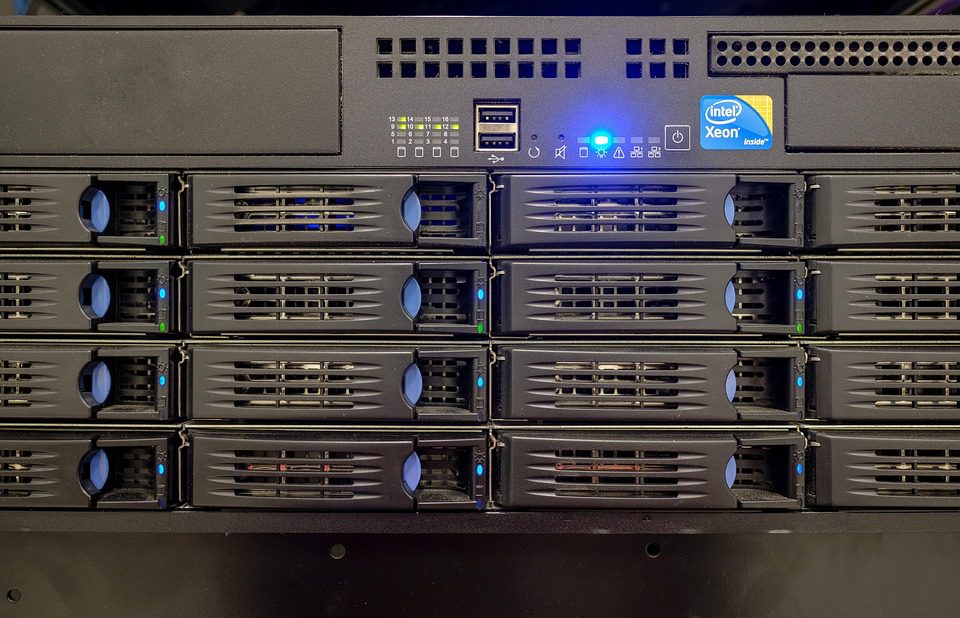
US dedicated server pricing varies by a factor of three for what looks like the same specification. The difference is rarely the CPU. It is the building the hardware sits in, the carriers connected to that building, and whether the person selling you the server controls either one. Location and routing decisions made at order time are difficult and expensive to undo later.
This article covers how to map your user base onto US data center regions, what latency to expect between them, and which provider checks separate a real operator from a reseller. The goal is a shortlist you can test with route traces before signing a twelve-month term.
The Five US Regions That Actually Matter
Northern Virginia, centered on Ashburn, is the largest interconnection market in the world and the default choice for anything serving the US East Coast, Europe or Latin America. Dallas and the broader Texas market offer strong connectivity in every direction with lower power costs, making them a common choice for centralised national audiences. Silicon Valley and the Bay Area serve West Coast users and transpacific routes, at the highest facility costs in the country.
Chicago is the quietly competent option: excellent fiber routes to both coasts, a large exchange presence and pricing between Virginia and Texas. Los Angeles and Seattle are specialized picks for Pacific Rim traffic, while Atlanta and Miami serve the Southeast and Latin America respectively. There is no universally best region; there is only the region closest to your traffic.
Watch for providers who list “US” without naming a metro. That usually means a single location they would rather not disclose, or a broker routing orders to whichever partner has capacity this week.
Latency Bands Between US Regions
Realistic round-trip figures for well-routed dedicated servers: intra-region within the same metro is under 2 ms, Ashburn to Chicago is 12 to 18 ms, Ashburn to Dallas 28 to 35 ms, Ashburn to Los Angeles 55 to 65 ms, Chicago to Dallas 20 to 28 ms, Chicago to Los Angeles 45 to 55 ms, and Dallas to Los Angeles 32 to 40 ms. Transatlantic from Ashburn to Frankfurt lands around 75 to 85 ms; transpacific from Los Angeles to Tokyo around 100 to 120 ms.
These bands assume a direct path. The most common defect in cheap US hosting is traffic that doglegs through an unexpected city because the provider buys blended transit from a single upstream. A server in Dallas whose Los Angeles-bound traffic transits Ashburn will show 45 ms instead of 35 ms, and the buyer will blame physics rather than routing.
How to Test a US Provider Before Ordering
Ask for a test IP in the specific metro you are considering, not the provider’s flagship location. Run MTR from at least three distinct source networks for fifteen minutes or more, not a single ping. Look for consistent loss above 0.5 percent, jitter outside two or three milliseconds, and paths that take an obviously long detour.
Then check the return path. Latency is often asymmetric; a provider with a fast inbound route and a slow outbound route will look fine on a one-way test and feel bad in production. Also test at peak hours in the evening for your audience, since congestion on a cheap transit blend shows up exactly when your users are online.
Bandwidth, Ports, and the Fine Print on Unmetered
US dedicated servers commonly ship with 1 Gbps ports and 10 to 30 TB of included transfer, or with 10 Gbps ports at a premium. Unmetered offerings exist at both speeds but usually come with a committed port rate that is lower than the line rate during peak hours, or with a fair-use clause that limits sustained throughput.
Read the overage rate and the burst policy before you buy. A 30 TB allowance with a punitive per-terabyte overage can cost more than choosing a higher tier up front. If you expect sustained high throughput, a 10 Gbps port with a clear committed rate is easier to budget than a 1 Gbps line with unlimited-sounding language.
Power, Cooling, and Hardware Density
US facility costs swing widely by metro, and power is the largest variable. Virginia and Texas have relatively inexpensive power and dense high-capacity buildings; the Bay Area does not. That is why identical hardware can cost forty percent more on the West Coast, and why unusually cheap offers in high-cost metros deserve scrutiny.
For 2026 hardware, expect AMD EPYC 8004 or 9004 class processors or current Intel Xeon Scalable parts, DDR5 memory, and NVMe storage as standard. Ask about the RAID controller’s cache protection, whether drives are enterprise-grade, and whether the chassis has room for the drive count you will need in two years. A server you cannot expand is a server you will replace in eighteen months.
Provider Checks: Ownership, Staffing, and Support Reach
Confirm three things. First, that the provider owns or directly leases the hardware and has on-site staff at the named facility for hands-on work. Second, that out-of-band management is included, with a remote console and virtual media, and that you can reinstall the server yourself. Third, that DDoS mitigation is always on rather than an add-on that engages after an outage.
Then test support before you commit. Send a specific technical question and judge the answer by whether it references your hardware and their procedures. Once you have two or three candidates that pass, compare their route traces from your real user networks and let the measurements decide. Review the dedicated server hosting options for US regions alongside the current plans and pricing tiers to see how the hardware maps to the monthly cost in each metro.
The region choice is a one-time decision with long-running consequences. Spend an afternoon on route traces and the eight-month version of you will not have to migrate during a growth spike.
Related Articles:
 India Dedicated Server Hosting in 2026: Data Centers, Latency, and Pricing
 What DDoS Mitigation Actually Includes on a Dedicated Host: Scrubbing Capacity, Baseline and SLAs
 Protecting Your Game Server from DDoS Attacks: Mitigation Strategies for Dedicated Server Hosting
 How to Handle 100,000 Daily Visitors on One Dedicated Server: Caching, CDN, and Database Tuning
Leave a Reply
You must be logged in to post a comment.